
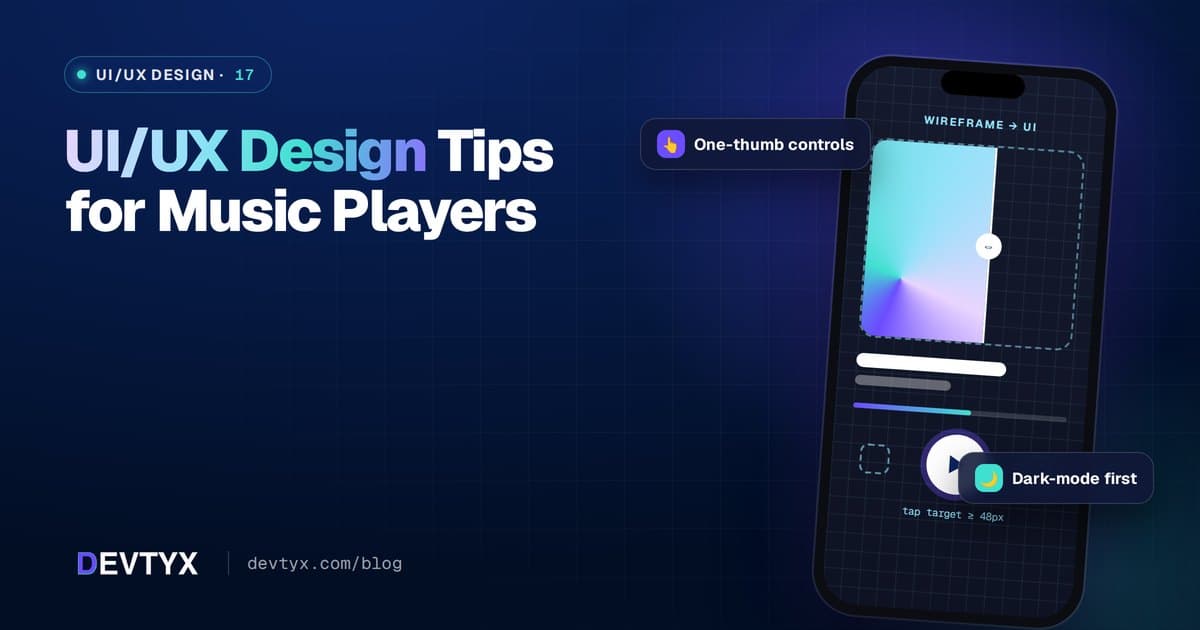
Great Music Apps Feel Effortless
Listeners use music apps while walking, driving, working out and cooking. They want to press play and get back to their day. Good UI/UX design for music players removes every bit of friction between opening the app and hearing music.
Here are the design principles we follow at DEVTYX.
1. Make the First Play Fast
- Show "Continue listening" or recent items on the home screen
- Put a play button on every playlist and album card
- Avoid forced sign-up before the first song when possible
- Keep onboarding to a few taps: pick genres, then play
2. Design a Clear Now-Playing Screen
The now-playing screen is the heart of the app:
- Large artwork that sets the mood
- Big, thumb-friendly play, skip and previous controls
- A seek bar with elapsed and remaining time
- Quick access to like, queue, lyrics and share
- Device output picker for Bluetooth, AirPlay and Chromecast
3. Use a Persistent Mini Player
A mini player at the bottom of every screen lets users browse while keeping control. A tap or swipe up expands it to full screen. This pattern is so familiar that leaving it out feels broken.
4. Keep Navigation Simple
Most music apps work well with three to five bottom tabs, such as Home, Search, Library and Profile. Avoid deep menus. Every track should be reachable within a few taps.
5. Make Search Smart
- Show results as users type
- Tolerate typos
- Group results by songs, artists, albums and playlists
- Show recent searches and trending suggestions
6. Design for Dark Mode First
Many people listen at night or in dim spaces. Dark themes reduce glare and make album art stand out. Offer light mode too, but polish dark mode first.
7. Use Gestures Carefully
Swipe to skip, swipe down to minimize and long-press for options are useful shortcuts, but always provide visible buttons as well. Gestures should never be the only way to do something.
8. Make It Accessible
- Support screen readers with clear labels on every control
- Respect system font sizes
- Keep color contrast high
- Give tap targets enough size and spacing
- Add captions or transcripts for video and podcasts
9. Show Helpful States
- Clear loading indicators that don't block the UI
- Friendly offline messages with access to downloaded music
- Empty states that guide action, like "Create your first playlist"
- Error messages that explain what to do next
10. Design for Every Screen
| Surface | Design focus |
|---|---|
| Phone | One-handed use, bottom controls |
| Tablet | Split views for browsing and playing |
| Desktop | Keyboard shortcuts, media keys, multi-pane layouts |
| Car (CarPlay / Android Auto) | Minimal, large, glanceable controls |
| Watch | Play, pause, skip and volume only |
| Lock screen and widgets | Artwork plus essential controls |
See CarPlay and Android Auto Integration for Music Apps for car design rules.
11. Add Delight, Not Distraction
Subtle animations, color themes pulled from album art, smooth transitions and visualizers add personality. Keep them light so they don't slow down older phones or drain battery.
12. Test With Real Listeners
Watch people use your app in real situations: on a bus, at the gym, in a car (as a passenger). You'll find friction no design review catches.
Frequently Asked Questions
What makes a good music player UI?
Fast first play, a clear now-playing screen, a persistent mini player, simple navigation, smart search and large, thumb-friendly controls.
Should music apps use dark mode?
Yes. Many people listen at night or in dim spaces, so dark mode reduces glare and makes album artwork stand out. Offer light mode as an option too.
How do I design a music app for cars?
CarPlay and Android Auto use standard templates. Focus on short lists, recently played content, downloads and voice control, and avoid anything that needs reading while driving.
Do you offer hybrid app design services?
Yes. DEVTYX offers hybrid app design services that create one design system for iOS, Android, web and desktop, built from a single codebase.
Hybrid App Design Services at DEVTYX
DEVTYX offers UI/UX design and hybrid app design services for music, podcast and audio apps. Our designers create one design system that works across iOS, Android, web and desktop, and our hybrid mobile app development company team builds it from a single codebase.
Talk to our music app developers about designing your music player.