
The Car Is a Major Listening Space
Commutes and road trips are prime listening time. If your music, podcast or radio app doesn't work in the car, many users will switch to one that does. Apple CarPlay and Android Auto bring your app to the car dashboard safely.
How Car Integration Works
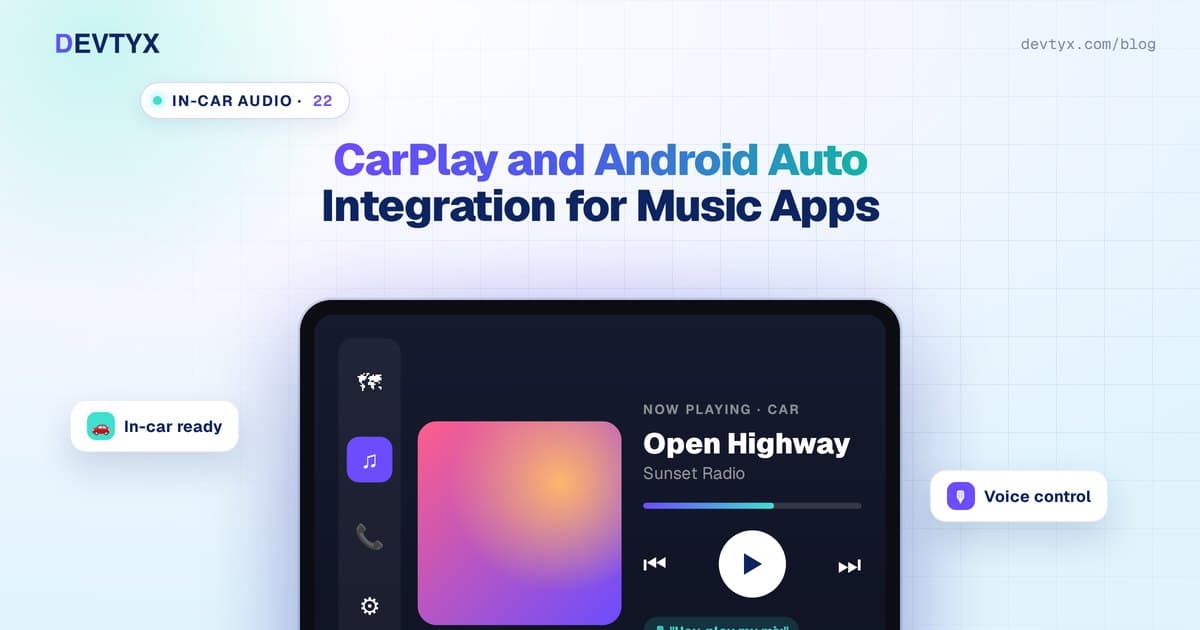
Neither platform lets you design a fully custom car interface. Instead, your app provides content and playback information, and the car system displays it using standard, driver-safe templates. This keeps the driving experience consistent and reduces distraction.
Apple CarPlay for Audio Apps
Key requirements:
- CarPlay audio entitlement: you must request it from Apple before your app can appear in CarPlay
- CarPlay framework templates: audio apps use templates such as list, tab bar and now-playing screens
- Now Playing information: title, artist, artwork and playback state through the system media APIs
- Remote commands: play, pause, skip and seek from car controls and steering wheel buttons
Best practices:
- Keep browse lists short and simple
- Prioritize recently played, downloads and favorites
- Support Siri voice commands for hands-free control
- Make playback resume instantly when the phone connects
Android Auto for Media Apps
Key requirements:
- Media session and media browser service: typically implemented with Jetpack Media3 (MediaLibraryService) on modern Android
- Browsable content tree: your app exposes categories, playlists and tracks; Android Auto renders them
- Playback state and metadata for the now-playing screen
- Google Assistant support for voice requests like "play my workout playlist"
- App quality review: Google reviews car apps for driver-distraction guidelines
Android Automotive OS, built into some cars without a phone, uses a related media app model and can share much of the same code.
What Content to Show in the Car
| Section | Why |
|---|---|
| Recently played | One tap to continue |
| Downloads | Works without signal |
| Your playlists | Personal favorites |
| Recommended mixes | Easy discovery |
| Live radio or new episodes | For radio and podcast apps |
Avoid deep menus, long lists and anything that needs reading while driving.
Cross-Platform Apps and Car Support
If your app is built with Flutter or React Native, car integration still requires native code: Swift for CarPlay and Kotlin for Android Auto. An experienced hybrid mobile app development company builds these native modules and connects them to your shared playback logic, so both car platforms behave consistently.
Testing
- Use the CarPlay Simulator from Apple and the Desktop Head Unit (DHU) from Google
- Test in real cars with different screen sizes
- Test Bluetooth connect and disconnect, calls interrupting playback and navigation voice prompts
- Test weak-signal areas with offline content
Cost and Timeline
| Scope | Estimated cost (USD) | Timeline |
|---|---|---|
| CarPlay or Android Auto (one) | $5,000 – $10,000 | 3 – 5 weeks |
| Both platforms | $8,000 – $15,000 | 5 – 8 weeks |
Apple's entitlement approval can add time, so request it early.
Frequently Asked Questions
Do music apps need permission from Apple for CarPlay?
Yes. Audio apps must request the CarPlay audio entitlement from Apple before they can appear on CarPlay screens.
Can I design a custom interface for CarPlay or Android Auto?
No. Both platforms use standard templates. Your app provides content and playback data, and the car system displays it in a driver-safe layout.
Can a Flutter or React Native app support CarPlay?
Yes, with native modules. CarPlay needs Swift code and Android Auto needs Kotlin code, connected to the app's shared playback logic.
How long does CarPlay and Android Auto integration take?
Adding both usually takes 5–8 weeks and costs about $8,000–$15,000. Request Apple's entitlement early, since approval can take time.
Add Car Support With DEVTYX
DEVTYX adds CarPlay and Android Auto to music, podcast and radio apps. Our music app developers and hybrid app development services team handle entitlements, native integration, voice control and testing.
Talk to our music app developers about car integration.