
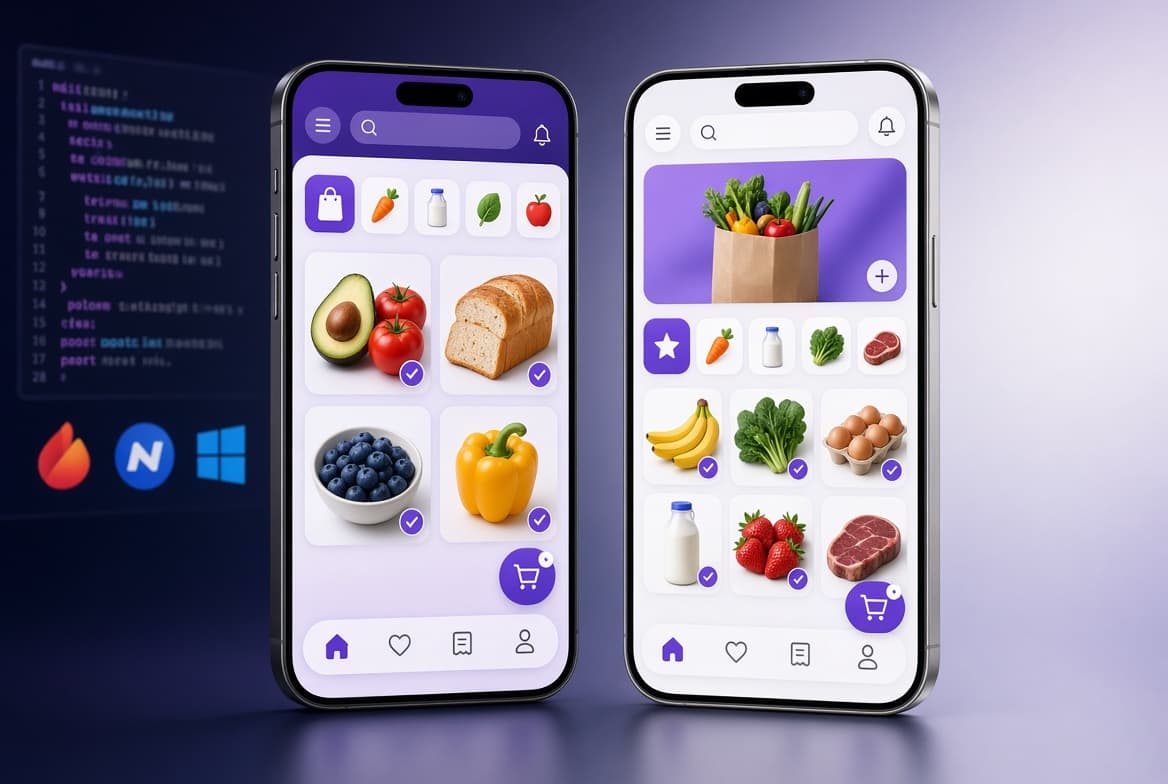
Every grocery app has to work on iPhones and Android phones. Your first big technical decision is how to get there: build two separate native apps, or use cross platform app development to ship both from one shared codebase. The choice affects your budget, your launch date, who you hire and how much maintenance you pay for years afterward.
This guide compares native development with the two leading cross-platform frameworks, React Native and Flutter, specifically for grocery apps: customer shopping apps, picker apps and delivery driver apps. If you would rather get a recommendation for your own project, talk to our grocery app development experts.
What Is Native App Development?
Native app development means building a separate app for each platform in that platform's own language and tools. That usually means Swift (often with SwiftUI) for iOS and Kotlin (often with Jetpack Compose) for Android. Each app has direct access to every device API and platform feature as soon as Apple or Google releases it.
The trade-off is duplication. You maintain two codebases, usually with two sets of specialists, and every feature is designed, built and tested twice.
What Is Cross Platform App Development?
Cross platform application development uses one codebase to produce apps for both iOS and Android, and sometimes for the web too. Most of the business logic and user interface is written once. Platform-specific code is added only where it is needed.
React Native
React Native, open-sourced by Facebook (now Meta) in 2015, lets developers build native mobile apps using React and JavaScript or TypeScript. It translates your interface into real native views on each platform (Shopify Engineering). Since version 0.76 in October 2024, its rewritten "New Architecture" is enabled by default and declared ready for production (React Native blog). It is a natural fit when your web storefront and admin panel already use React or Next.js.
Flutter
Flutter is Google's open-source framework for building "natively compiled, multi-platform applications from a single codebase", using the Dart language. Flutter code compiles to ARM or Intel machine code (flutter.dev). Flutter draws its own interface, which makes it easy to keep a pixel-consistent brand across devices.
What About Hybrid Apps?
"Hybrid" is often used loosely. Traditionally it meant a website wrapped inside an app shell (a web view). Modern frameworks like React Native and Flutter render native or compiled interfaces instead, which is a big step up in performance and feel. Good hybrid app development services should explain exactly which approach they are proposing and why. When you compare quotes from a hybrid mobile app development company and a native specialist, ask which framework, how much code is shared and which features will need native modules.
Both leading frameworks are widely used. In the 2024 Stack Overflow Developer Survey, 9.4% of respondents reported using Flutter and 8.4% React Native (Stack Overflow).
Native vs Cross-Platform: Side-by-Side Comparison
| Factor | Native (Swift + Kotlin) | Cross-platform (React Native / Flutter) |
|---|---|---|
| Codebases | Two separate apps | One shared codebase for most code |
| Build cost | Highest, because you build twice | Roughly 20–40% lower than two native apps (Go Tech Solutions) |
| Time to launch on both stores | Longer, unless you fund two parallel teams | Faster; iOS and Android ship together |
| Performance | Best possible | Near-native for typical shopping and tracking screens; heavy processing may need native modules |
| New OS features | Available immediately | Available through plugins or custom native modules, sometimes later |
| UI | Follows each platform's conventions | Consistent brand across platforms; platform conventions can be matched |
| Maintenance | Two codebases to update and test | One codebase, plus framework upgrades to manage |
| Team | iOS and Android specialists | One team (JavaScript/TypeScript or Dart), with native expertise when needed |
| Best fit | Hardware-heavy or ultra-high-performance apps | Most grocery, eCommerce and on-demand apps |
What Grocery Apps Need From Their Technology
Grocery apps have a specific set of technical demands. Here is how each one holds up with cross-platform tools:
- Large catalogs and fast search: thousands of products with images need virtualized lists, image caching and fast search. Both React Native and Flutter handle this well when the lists are built correctly.
- Barcode scanning: used in picker apps and "scan to add" features. Camera and scanning libraries exist for both frameworks.
- Maps and live tracking: customers watch their delivery approach, and drivers need navigation. Map SDKs are available for both frameworks.
- Background location for drivers: this is the most platform-sensitive part of a grocery system, because of OS permission rules and battery limits. It often benefits from some native code.
- Payments: Stripe offers an official React Native SDK (Stripe docs), and established community packages exist for Flutter.
- Push notifications: order confirmations, substitution requests and "driver arriving" alerts work on both.
- Patchy connectivity: shoppers in stores and drivers on the road lose signal, so offline caching and retry logic matter regardless of framework.
The takeaway: almost everything a grocery customer app needs is well supported by cross-platform frameworks. The driver app's background tracking and any heavy on-device processing are where native modules sometimes help.
What Real Companies Have Learned
In 2020, Shopify announced it would build all new mobile apps with React Native. It reported about 95% code shared between iOS and Android for its Shop app (formerly Arrive) and about 99% for its Compass app. Shopify also listed the cases where React Native would not be its default: deploying on older hardware, extensive processing, ultra-high performance and many background threads (Shopify Engineering). Notably, Shopify built its new Point of Sale app natively for iOS and with React Native for Android. Mixing approaches is a legitimate strategy.
On the Flutter side, Google's Flutter showcase features the delivery platform talabat, which "transitioned from siloed native development to a unified Flutter codebase, resulting in faster releases and a more stable, performant experience for millions of users" (Flutter).
How the Choice Affects Grocery App Cost
Platform choice is one of the biggest cost levers you control. Go Tech Solutions estimates React Native and Flutter builds at roughly 20–40% cheaper than separate native apps, thanks to the shared codebase (Go Tech Solutions). Creole Studios adds an important caveat: a cross-platform framework reduces duplicated mobile engineering, but it does not eliminate backend, design, integration or QA work (Creole Studios).
In practice, the savings apply mainly to the mobile apps themselves: the customer app, picker app and driver app. Your backend, admin dashboard and integrations cost about the same either way. For a full module-by-module breakdown, see our guide on how much it costs to develop a grocery delivery app.
React Native vs Flutter for Grocery Apps
| Factor | React Native | Flutter |
|---|---|---|
| Language | JavaScript / TypeScript | Dart |
| How the UI renders | Native platform views | Its own rendering engine, pixel-consistent |
| Sharing with your website | Shares skills and some logic with React or Next.js storefronts and admin panels | Flutter supports web, but React or Next.js is more common for SEO-focused storefronts |
| Payments | Official Stripe React Native SDK | Community Stripe packages |
| Best when | Your team or web stack already uses React | You want a highly custom, consistent UI across devices |
Both are solid choices for grocery. The better one usually depends on your existing team, your web stack and your design goals, not on raw performance.
When Native Is the Right Choice for a Grocery App
Choose native app development services when your app depends on:
- Heavy on-device processing, such as computer-vision shelf scanning or augmented reality.
- Complex background tasks, such as a driver app that tracks location continuously across long shifts.
- Very low-end or older devices, where every bit of performance counts.
- Day-one access to brand-new iOS or Android features.
- An existing in-house team of strong iOS and Android engineers.
You don't have to choose all or nothing. Many teams build the customer app cross-platform and write native modules, or even a fully native driver app, where it pays off.
When Cross-Platform Is the Better Choice
- You are launching an MVP and want both app stores at once on a lean budget. See our guide to launching a grocery delivery MVP without overspending.
- Your app is mainly catalog, cart, checkout, tracking and account screens.
- You want one team and one release cycle for iOS and Android.
- You plan frequent updates, promotions and feature experiments.
- Your web storefront or admin panel already uses React.
Our Recommendation for Grocery Apps
For most grocery businesses, whether a single-store app, a multi-vendor marketplace or a quick-commerce platform, cross-platform should be the default for the customer app. Add native modules where background tracking or heavy processing demand it, and decide the driver app approach based on your fleet's needs.
As a react native development company and Flutter app development agency that also builds natively in Swift, Devtyx doesn't push one framework. We recommend the stack after a short discovery phase, based on your features, team and budget. Our React Native app services and Flutter builds both include native modules where your grocery app needs them. Our end-to-end grocery app development covers the customer app, admin panel, driver app and cloud backend on AWS, Azure or Google Cloud.
Frequently Asked Questions
Is cross platform app development good for grocery apps?
Yes. Most grocery features, including catalogs, search, cart, checkout, slots, push notifications and order tracking, are well supported by React Native and Flutter. You get iOS and Android from one codebase, usually at lower cost and with a faster launch.
Is cross-platform cheaper than native?
Usually. Published estimates put cross-platform builds at roughly 20–40% cheaper than two separate native apps. The savings apply to the mobile apps. Backend, admin panel, design and QA costs stay similar.
React Native or Flutter: which is better for a grocery delivery app?
Both work well. React Native is a strong fit if your website or admin panel uses React and you want official Stripe SDK support. Flutter suits teams that want a highly custom, consistent UI. Your team's skills and web stack usually decide it.
Will a cross-platform grocery app feel slower than a native one?
For typical shopping screens, users generally can't tell the difference when the app is well built. Performance problems usually come from poor list rendering, oversized images or chatty APIs, not from the framework itself.
Can I start cross-platform and add native code later?
Yes. Both React Native and Flutter let you add native modules for specific features, such as background location or advanced camera processing, without rewriting the whole app.
What is the difference between hybrid and cross-platform apps?
Traditional hybrid apps wrap a website in an app shell. Modern cross-platform frameworks like React Native and Flutter render native or compiled interfaces, which gives better performance and a more native feel.
Not Sure Which Approach Fits Your Grocery App?
Tell us about your grocery business, your must-have features and your timeline. Our senior engineers will recommend native, cross-platform or a mix for your grocery delivery app development project, with an honest explanation of the trade-offs. Devtyx has shipped 70+ digital products for clients in 23+ countries since 2019, and we reply within 24 hours.
Get a Free Tech Stack Recommendation
Sources
- Shopify Engineering: React Native is the Future of Mobile at Shopify (Jan 2020)
- React Native: 0.76 release, New Architecture by default (Oct 2024)
- Flutter: official site
- Flutter: Mobile showcase (talabat case study)
- Stack Overflow Developer Survey 2024: Technology
- Stripe Docs: React Native SDK
- Go Tech Solutions: Grocery App Development Cost in 2026
- Creole Studios: Grocery App Development Cost in 2026