
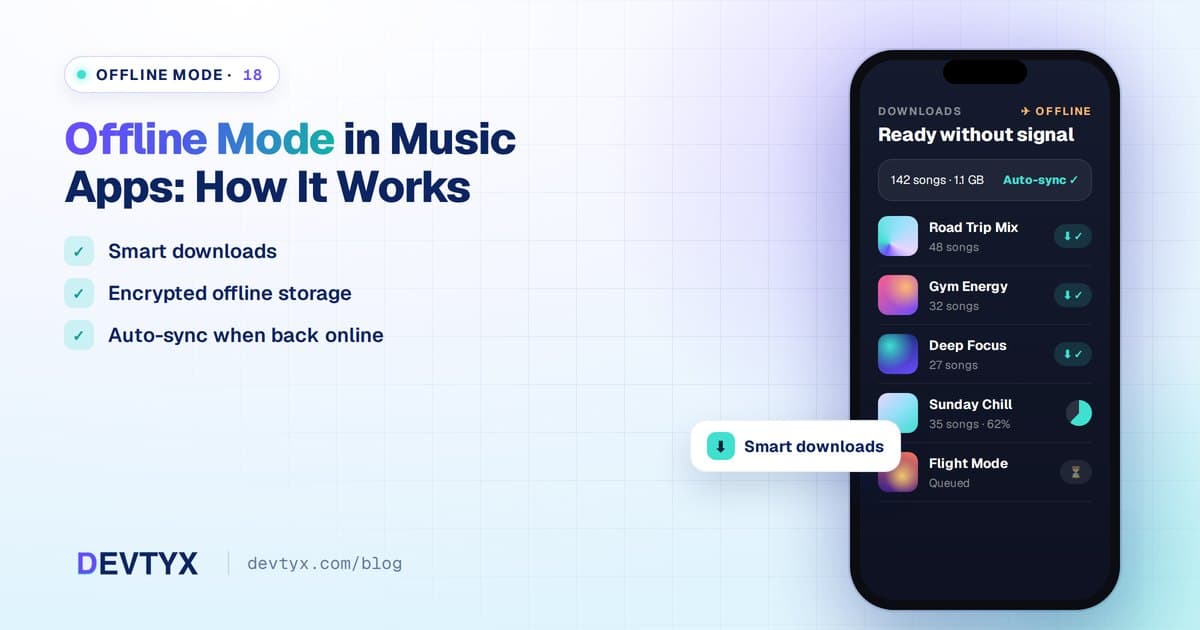
Offline Listening Is Expected
Flights, subways, gyms and rural roads all have one thing in common: bad or no internet. Offline mode lets users download music and podcasts to listen anywhere. For many streaming apps, it's one of the main reasons people pay for premium.
Here's how offline mode works behind the scenes.
The Basic Flow
- The user taps download on a track, album, playlist or episode
- The app checks that the user is allowed to download (for example, premium status)
- Audio files or encrypted segments are downloaded in the background
- Files are stored in the app's private storage
- The app records what was downloaded and its license details
- When offline, the player reads local files instead of streaming
Key Technical Parts
Background Downloads
Downloads should continue when the app is in the background and resume after interruptions. iOS and Android both provide background transfer APIs, and download managers handle queues, retries and progress.
Encryption and Licenses
For licensed content, downloads must be encrypted. With DRM, the app requests a persistent offline license that allows playback for a limited time. See DRM and Content Protection for Music Apps.
Periodic Check-Ins
Most platforms require the app to go online regularly, often every 30 days, to confirm the subscription is still active. If not, downloads become unplayable.
Storage Management
- Let users choose download quality (normal, high, lossless)
- Show how much space downloads use
- Allow storage on SD cards where supported
- Remove downloads when content is no longer licensed
Offline Data
Offline mode isn't only audio. The app also needs cached metadata, artwork, lyrics and playlists so the library looks complete offline.
Syncing When Back Online
Actions taken offline, such as likes, playlist edits and play counts, are queued and synced when the connection returns. Play counts matter for royalty reporting, so they must sync reliably.
Smart Download Features
- Auto-download new podcast episodes or updated playlists on Wi-Fi
- Download over Wi-Fi only setting to protect mobile data
- Smart downloads that pre-cache likely favorites
- Offline mixes created automatically from listening history
- Partial caching that keeps recently played tracks for faster replay
Design Tips for Offline Mode
- Make the download button obvious on every playlist and album
- Show download progress clearly
- Add an "Offline" filter in the library
- Gray out unavailable content when offline instead of hiding it
- Show a friendly banner when connection is lost, with one tap to downloaded music
Offline Mode Cost
Adding robust offline support typically costs $5,000 – $12,000, and more with full multi-DRM. It's one of the best investments for premium conversions.
Frequently Asked Questions
How do music apps play songs offline?
The app downloads encrypted audio to private storage with a license, then plays those local files when there is no internet connection.
Why do downloaded songs stop working after a while?
Offline licenses expire. Most apps require going online every few weeks to confirm the subscription, otherwise downloads become unplayable.
Do offline plays count for royalties?
Yes. Offline plays are logged on the device and synced when the app reconnects, so rights holders can be paid accurately.
How much does offline mode cost to build?
Robust offline support typically costs $5,000–$12,000, and more if full multi-DRM protection is required for licensed content.
Build Offline-Ready Music Apps With DEVTYX
DEVTYX builds music and podcast apps with secure, reliable offline mode. As a hybrid mobile app development company, we implement offline downloads once in Flutter or React Native, with native modules where platform features require them.
Talk to our music app developers about offline listening for your app.